If you are a programmer who has a passion and interest in 2D game development, especially tiled map style games,
then building and designing game maps is one of most important and indispensable tasks.
However, to design a game map effectively, you’ll need right tools to support you
TGroup prodly introduces the free game map design software: TMapEditor version 2.0

With TMapEditor, you can easily design your own 2D game maps quickly, conveniently, and with ease of use.
I. Main Features
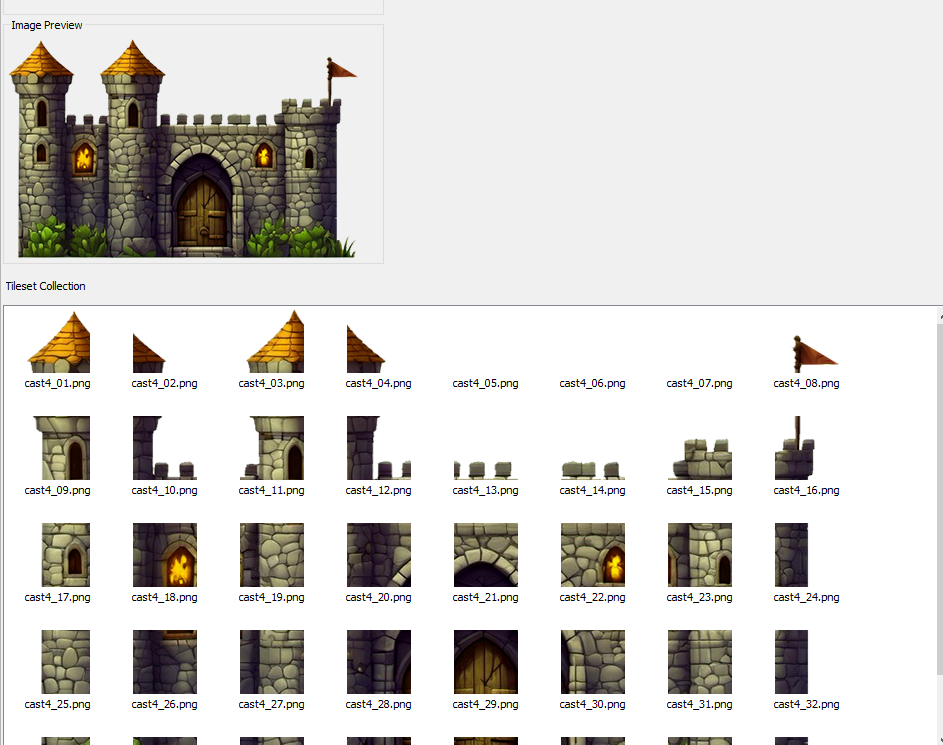
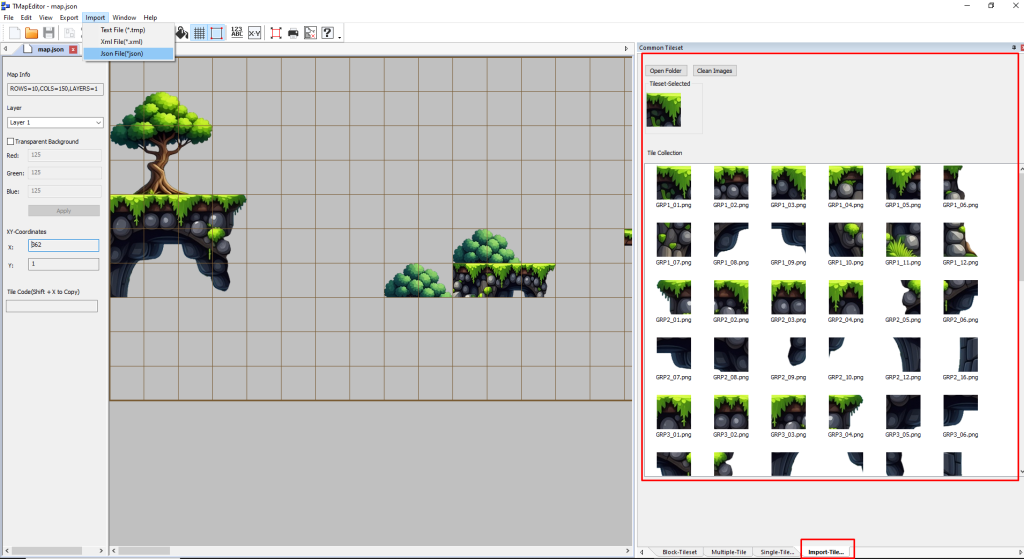
Build 2D game maps from tileset images available in the basic master data library.
1. Rich and diverse data library
You can instantly create fun and engaging game maps for your own projects using the available resources.
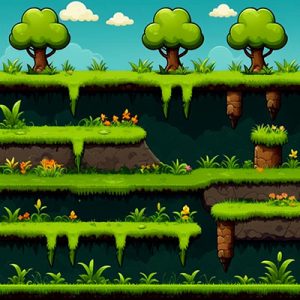
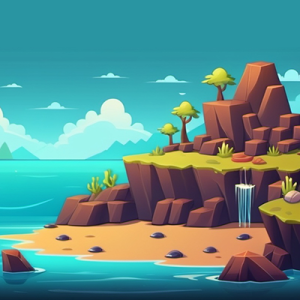
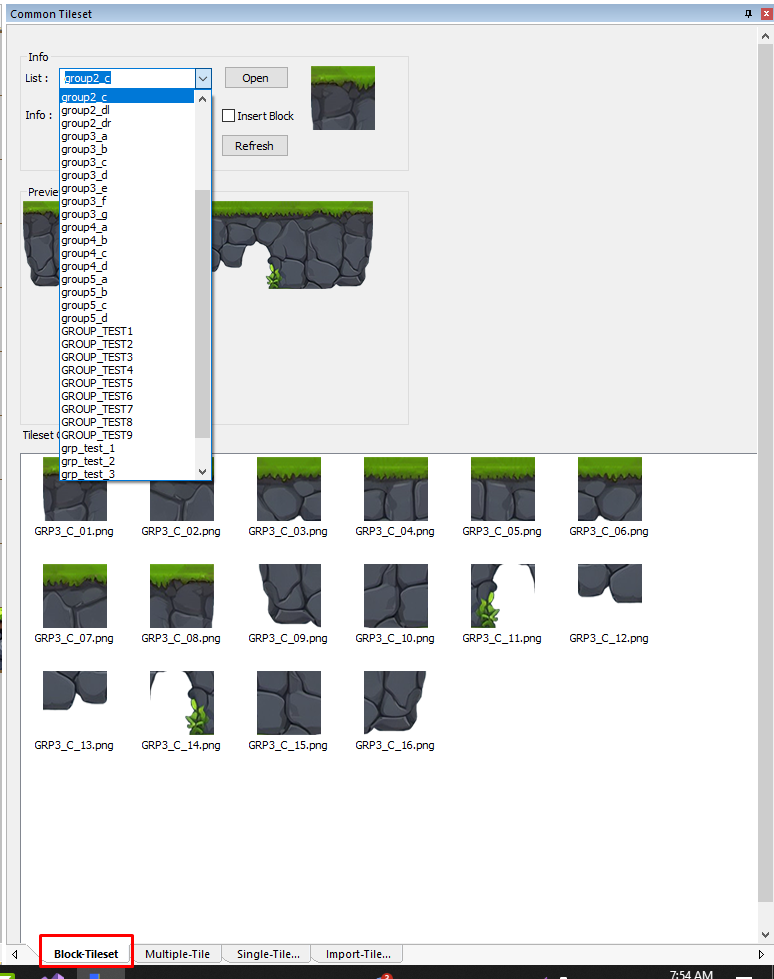
Includes a variety of interesting tileset blocks to choose from.
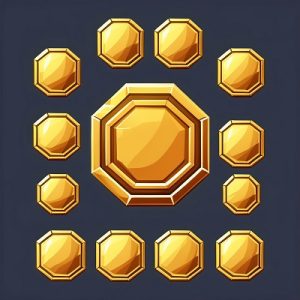
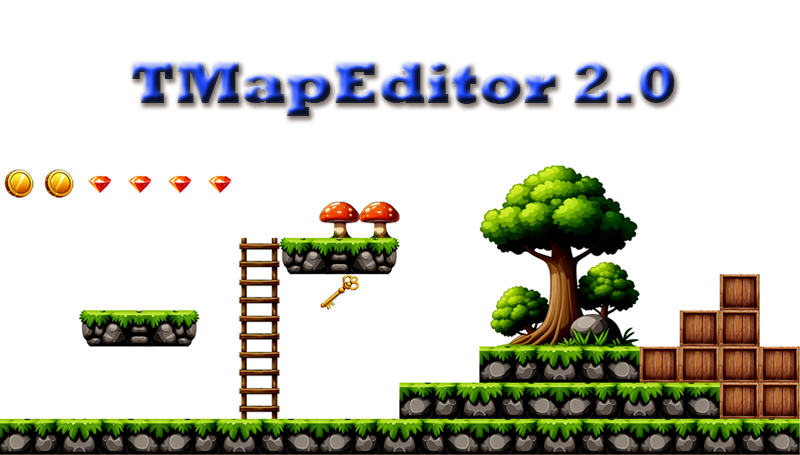
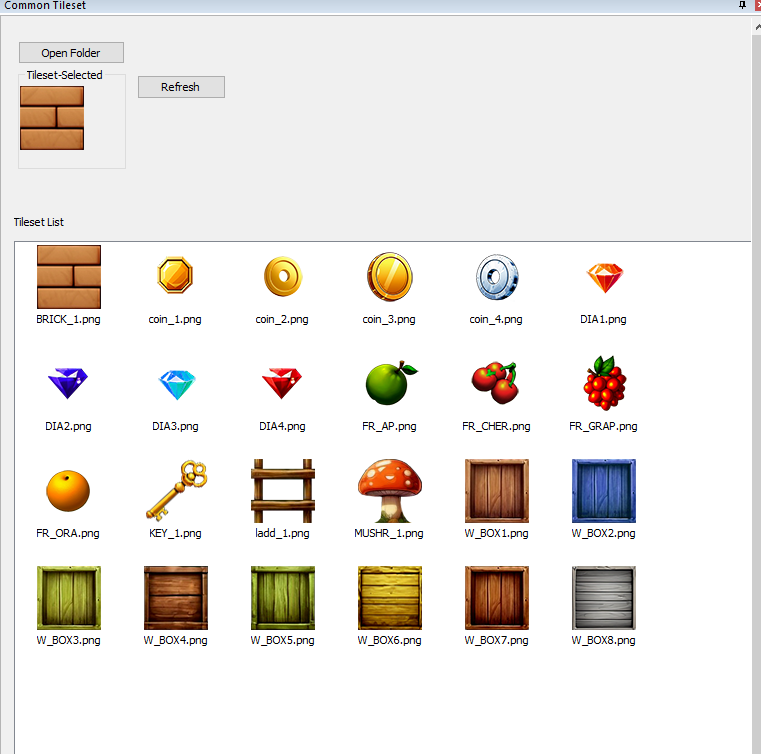
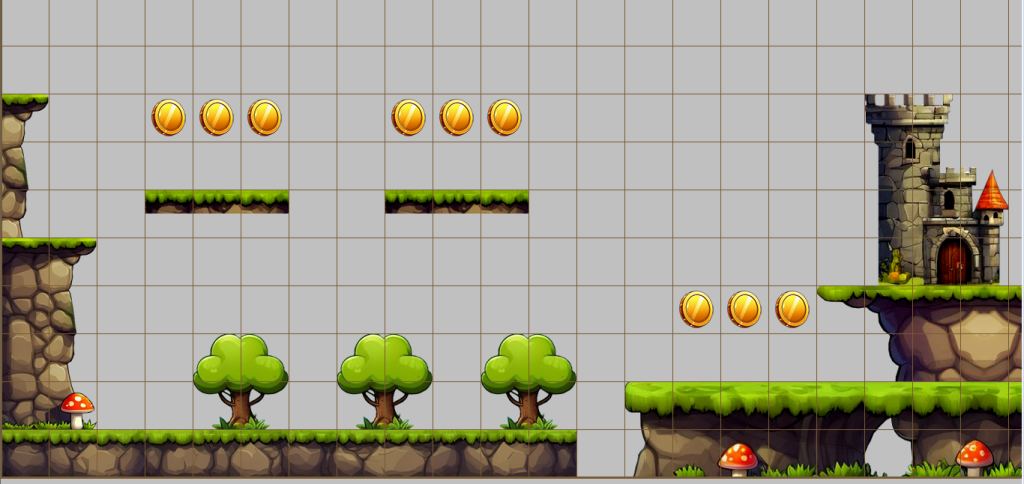
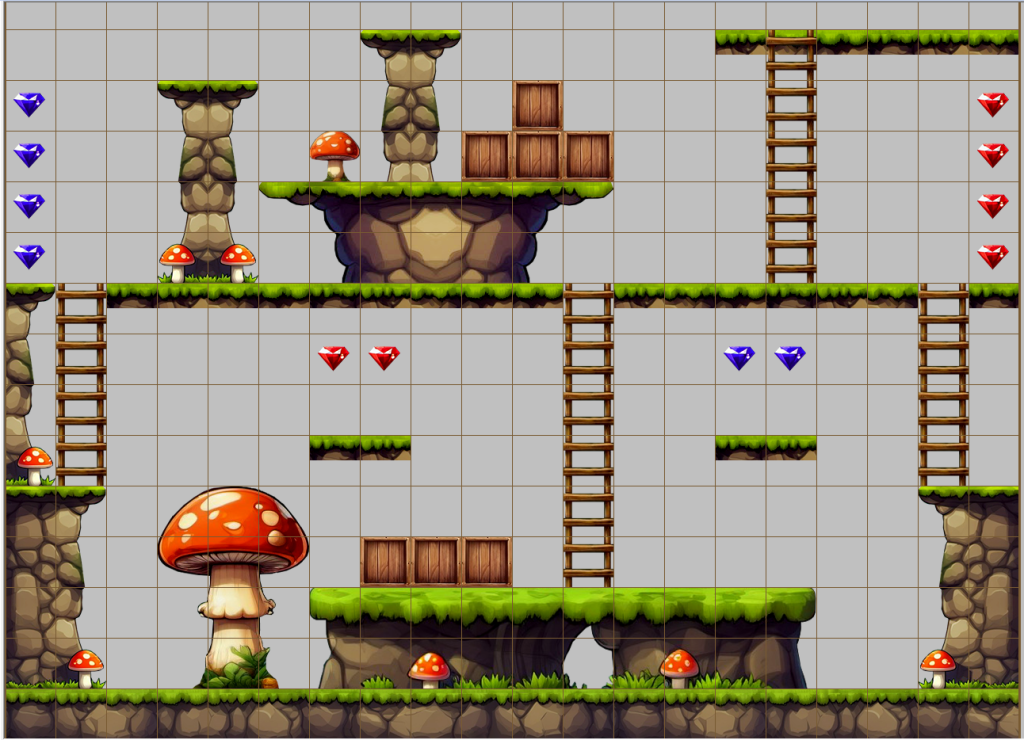
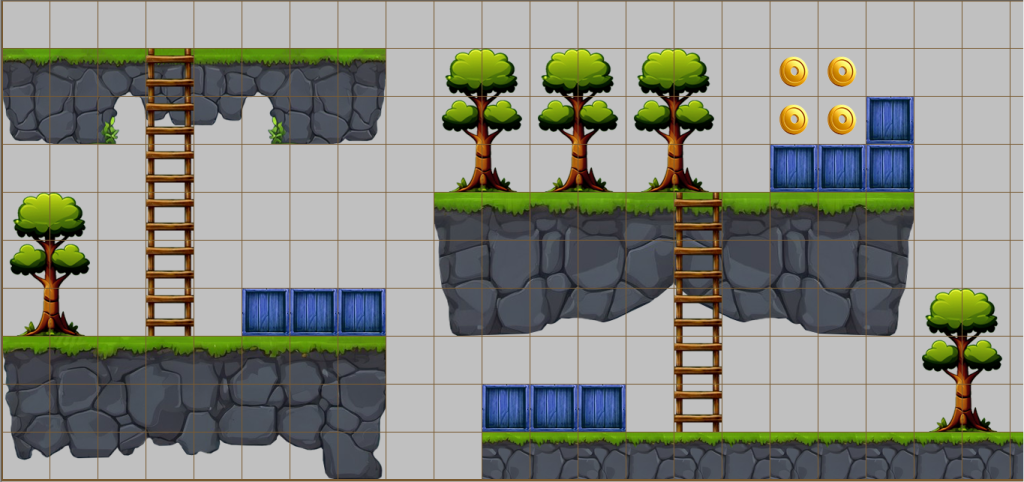
A collection of basic game objects such as coins, boxes, diamonds, fruits, and single tilesets.
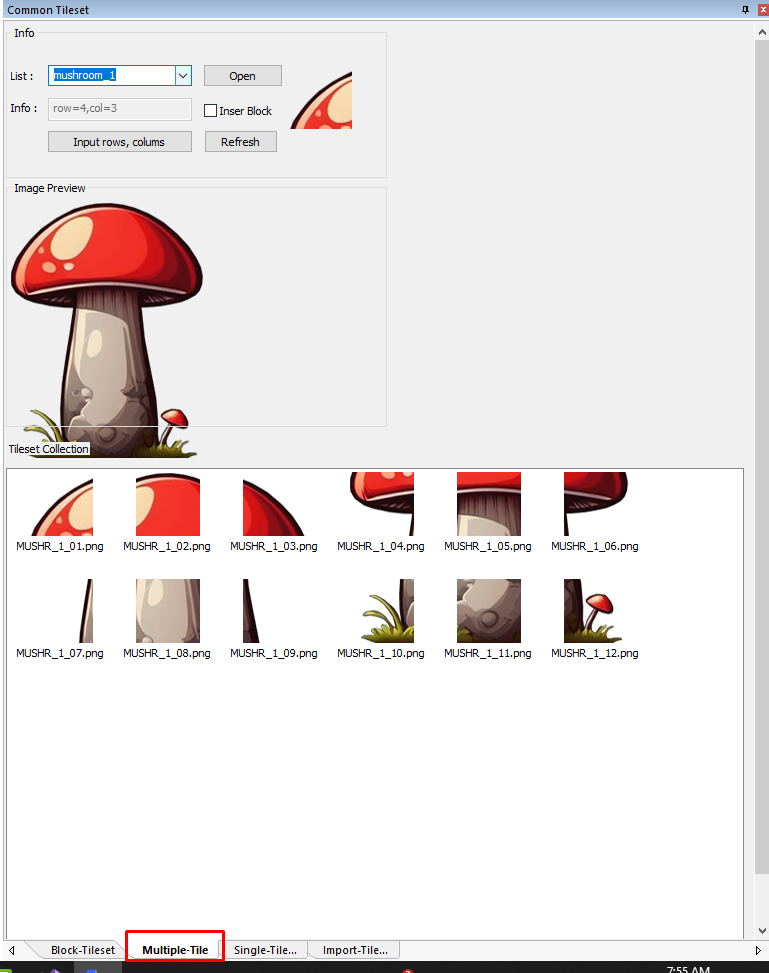
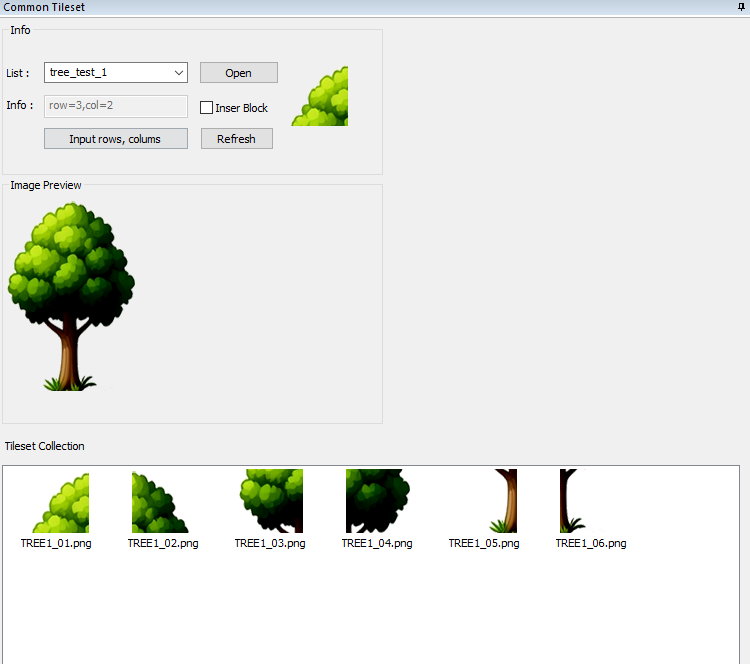
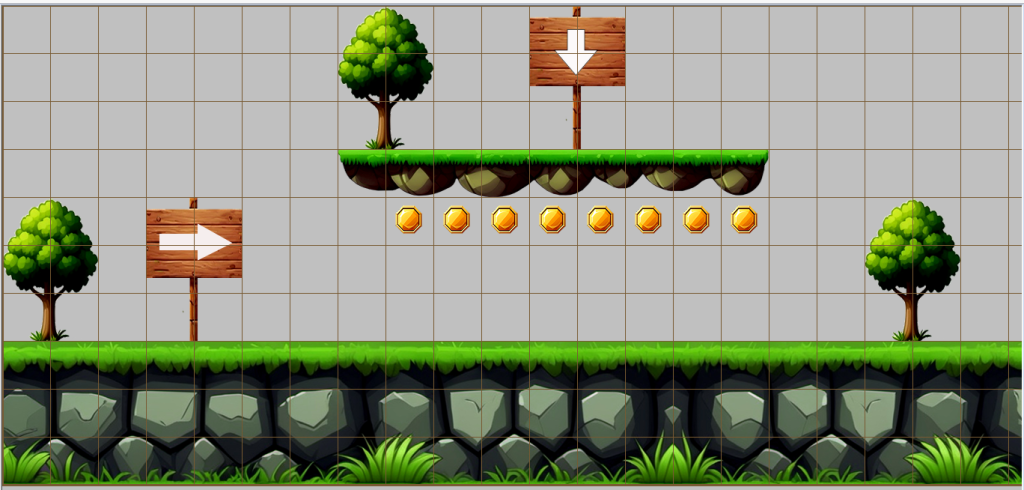
A collection of environmental objects such as trees, mushrooms, castles, and more.
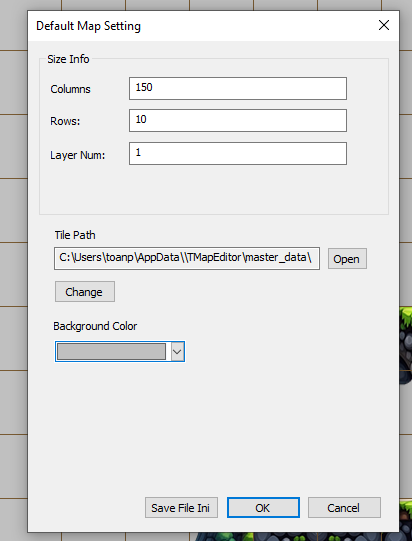
2. Create game maps with customizable sizes and multi-layer support
You can design complex game maps that require multiple layers for better structure and visual depth.
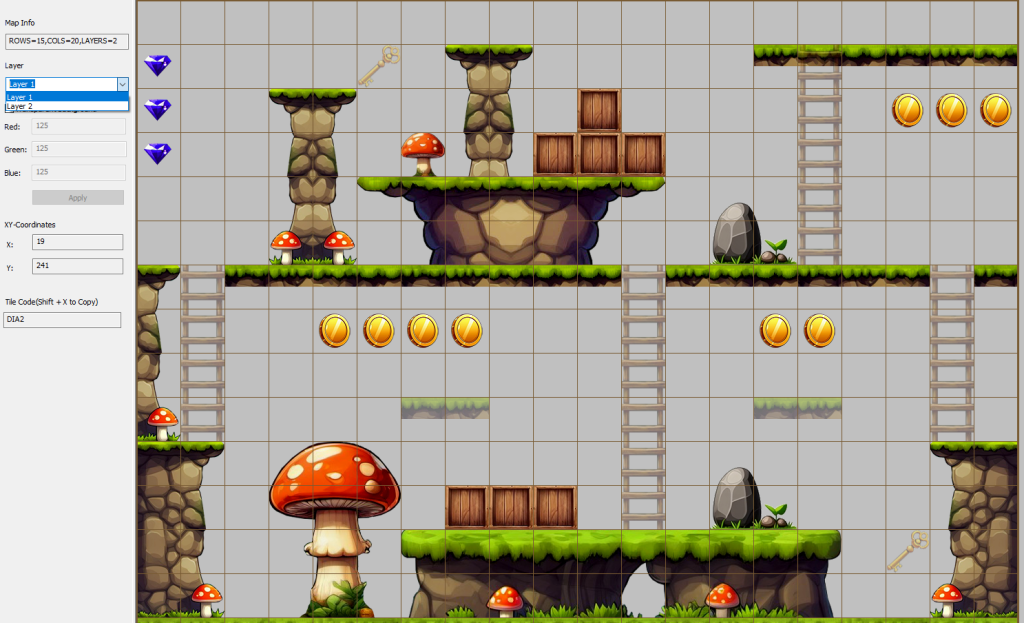
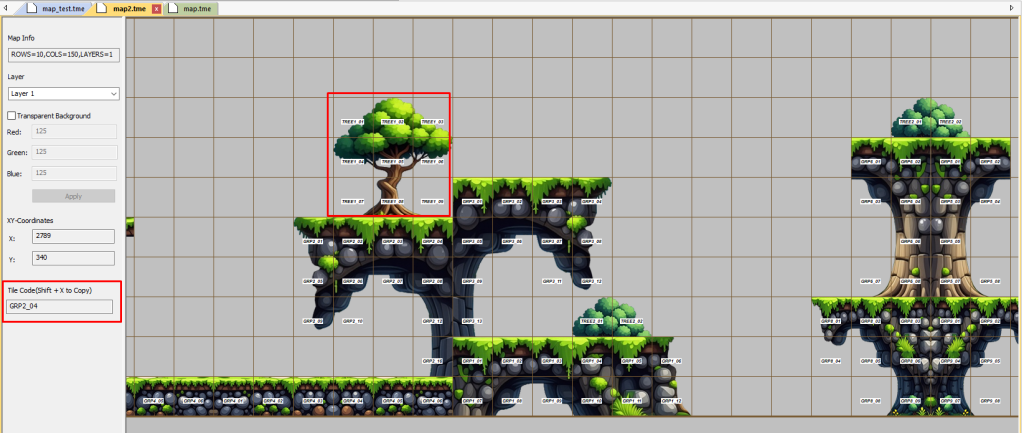
3. Intuitive information form
A complete information panel for each game map helps you stay organized and in control during the design process.
Supports transparency for images that do not have an alpha channel (such as bitmap images).
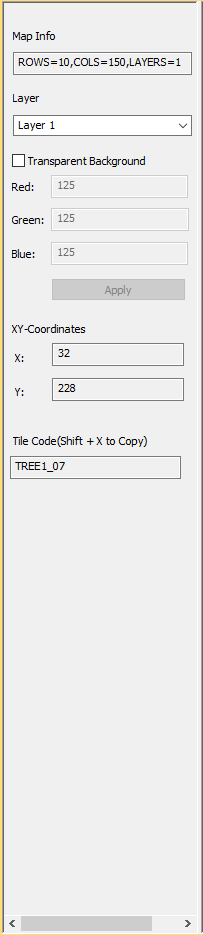
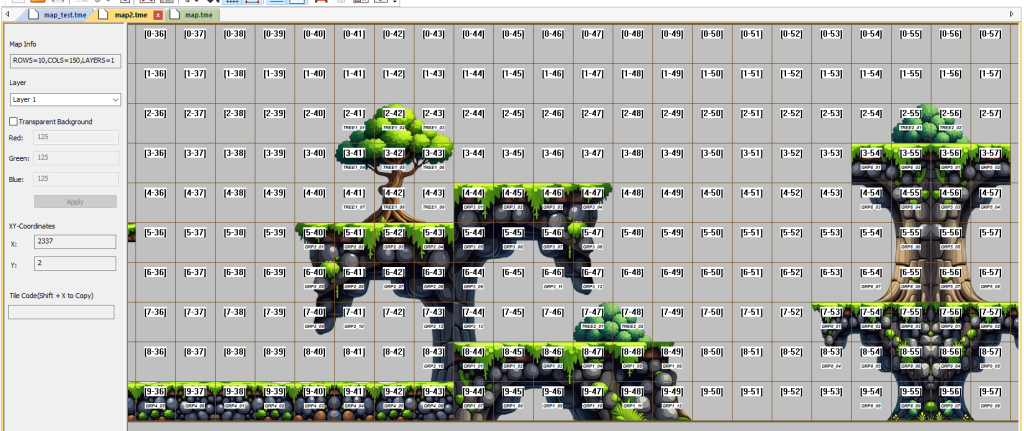
4. Intuitive View
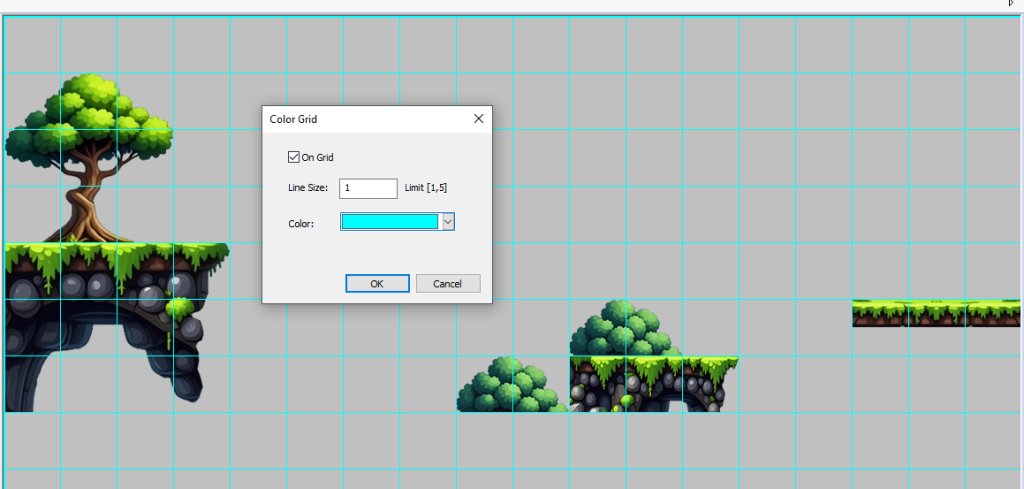
Includes features such as grid display for easy tile insertion, tileset ID display, and tile position indicators within the tilemap matrix —
making it easier for game designers to handle coding and map logic.
5. Supports 4 image formats: PNG, Bitmap, JPG, and JPEG
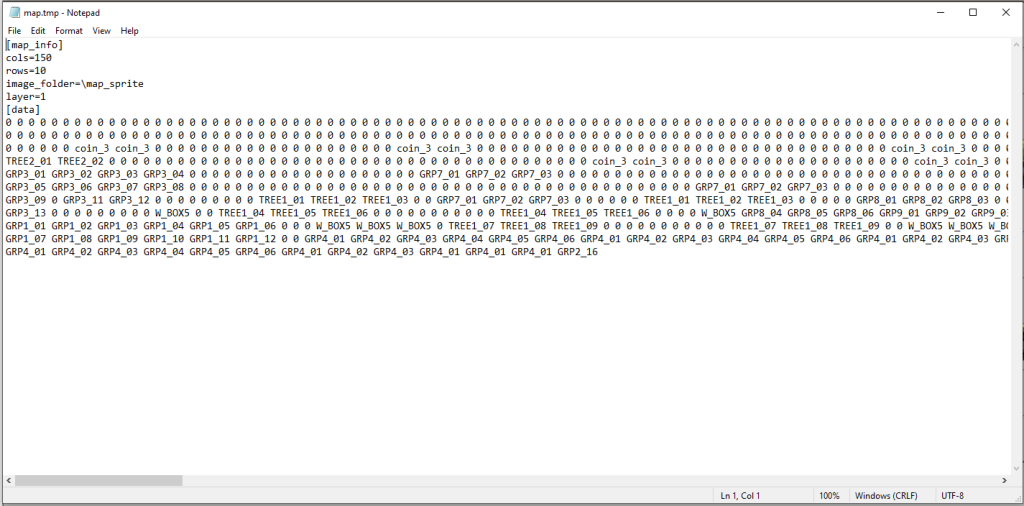
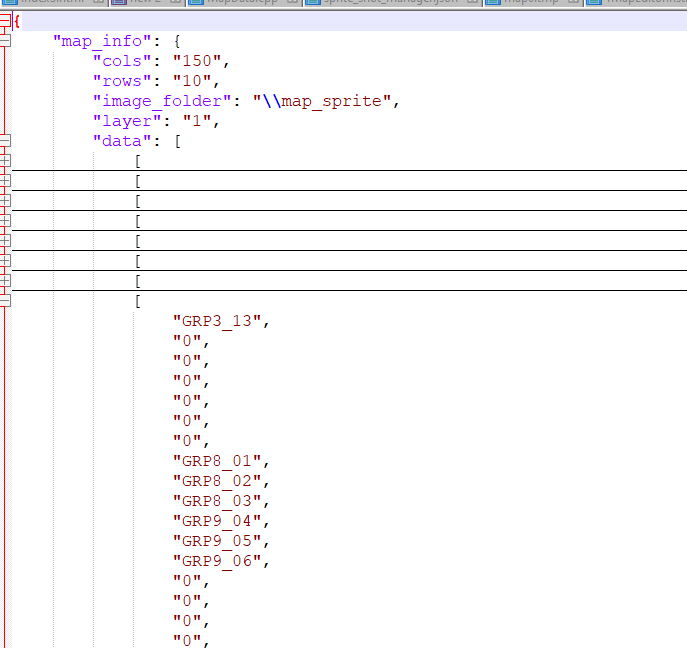
Export files in 3 formats: Text (.tmp), XML, JSON, and includes an image folder for accompanying assets.
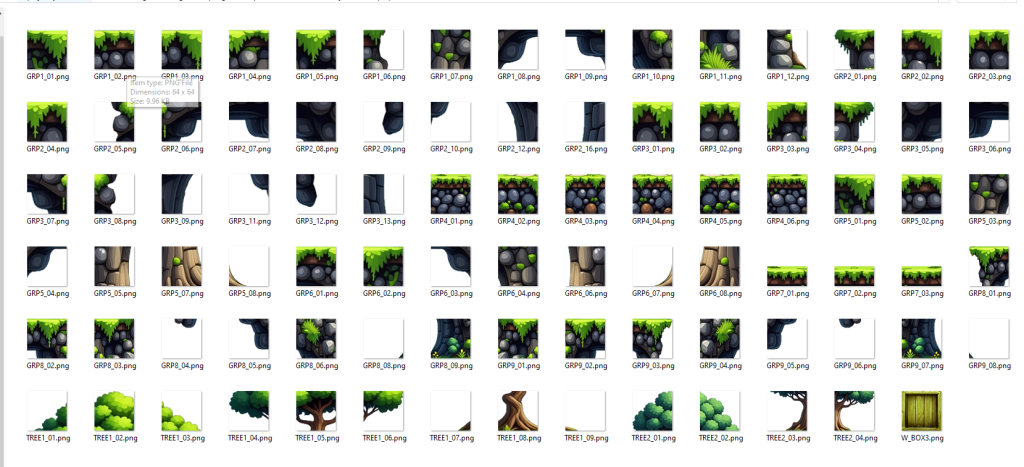
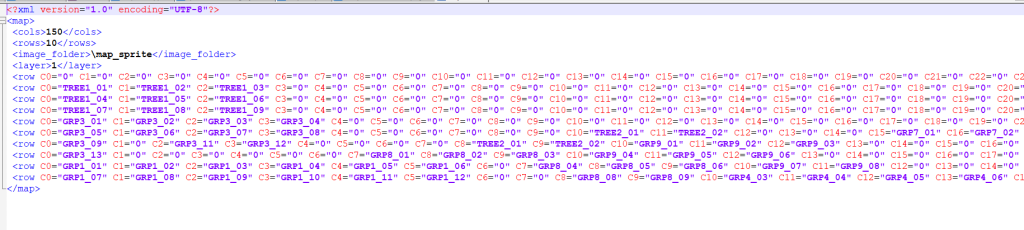
6. Supports importing previously exported files for editing and modification.
7. Other features:
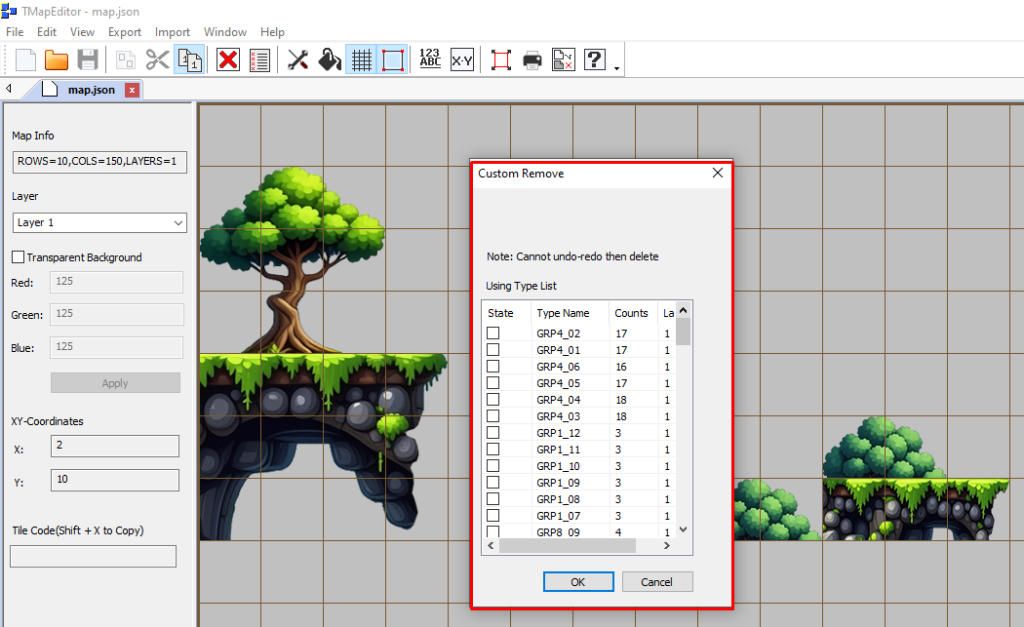
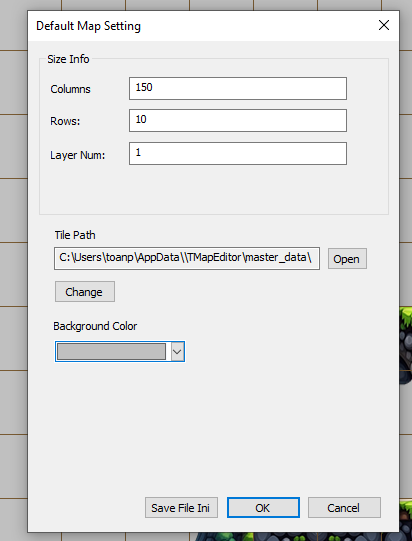
Grid settings (on/off), background color settings, or custom background image selection — plus customizable remove functions.
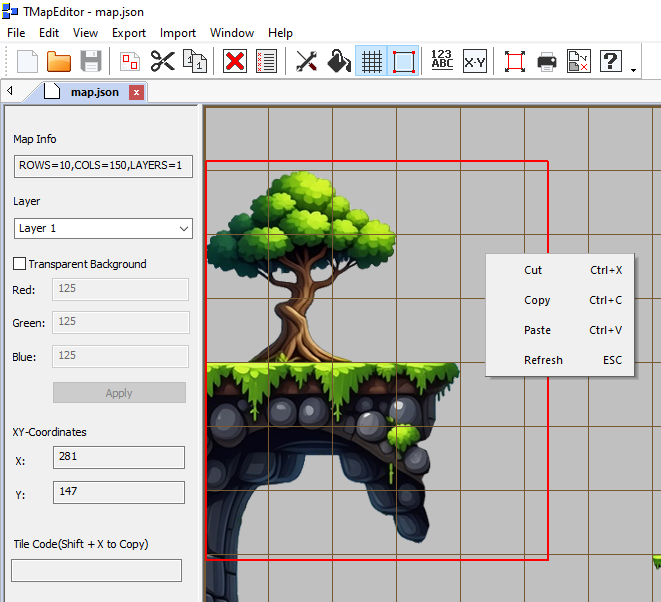
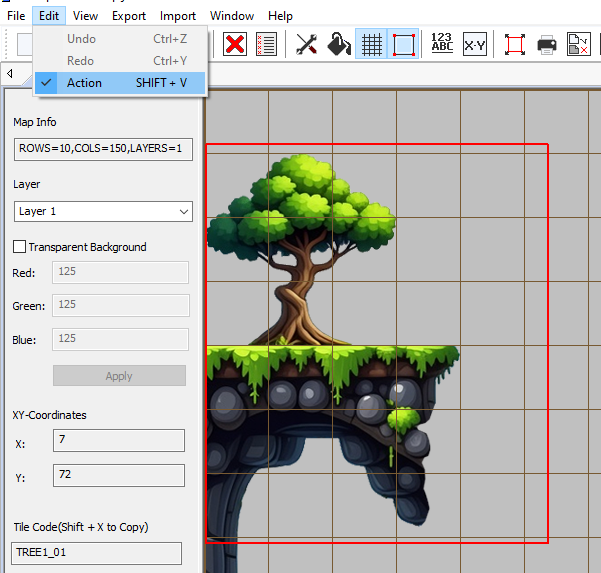
8. Copy, cut, and paste tileset areas, allowing you to work more flexibly during the design process.
And there are many more features waiting for you to explore.
Start creating your own world today — and build the most exciting games from your imagination!
For any feedback or suggestions, feel free to leave a comment on the post or send us an email at: damme88@gmail.com
Thank for watching